

In Dubai’s fast-paced business environment, a reliable network isn’t just convenient, it’s essential. Whether you run a corporate office, an educational institution, or an internet service provider, having your network configured correctly can make the difference between smooth operations and frustrating downtime. Many businesses overlook the importance of proper setup, leaving their networks vulnerable to slow speeds, connectivity issues, and security risks.
This is where a trusted partner like Digital World Technology comes in. With expertise in MikroTik router configuration Dubai and MikroTik router security setup Dubai, they provide businesses and IT managers with high-performance routers and guidance for seamless deployment. In this guide, we’ll walk you through the step-by-step process of configuring your MikroTik router, securing it, and optimizing its performance for any business environment in Dubai.
Why Proper MikroTik Router Configuration Matters
A MikroTik router is more than just a device that connects to the internet. It’s the backbone of your business network. When configured correctly:
- Your internet speed is optimized for multiple users.
- Security risks are minimized, protecting sensitive business data.
- Network traffic is managed efficiently, preventing slowdowns.
- Devices and systems across the office can communicate without interruption.
Improper setup, on the other hand, can lead to downtime, unauthorized access, and frustrated teams. Businesses in Dubai, with their reliance on high-speed connectivity, can’t afford these risks.
Step 1: Connect Your MikroTik Router
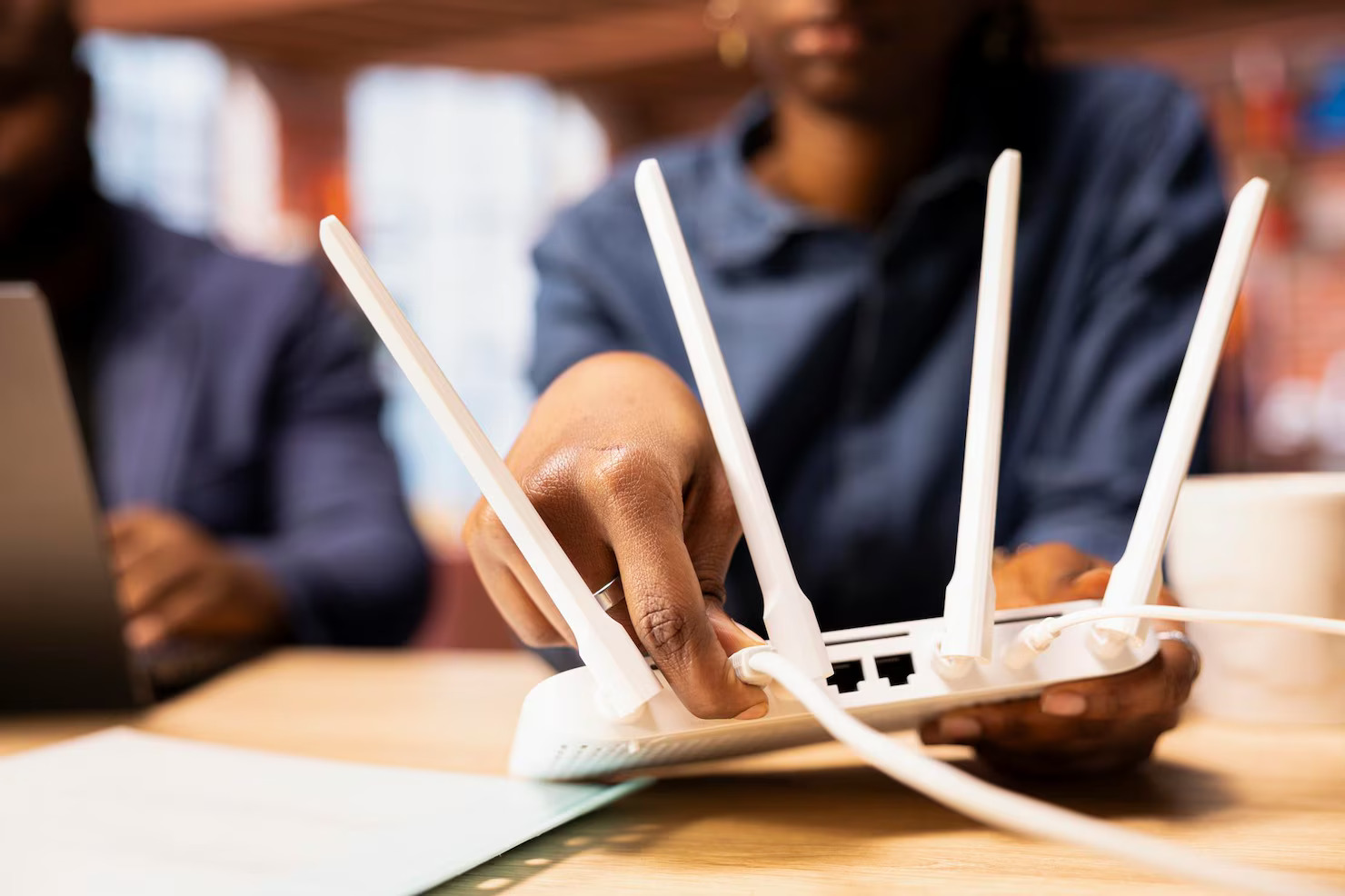
Start by physically connecting your MikroTik router to your internet modem and the devices you want to manage. Use Ethernet cables to connect:
- WAN port: Connect to your internet modem.
- LAN ports: Connect to office switches, computers, or Wi-Fi access points.
Once connected, power on your router and ensure your computer can detect the device on the network.
Step 2: Access the Router Interface
To configure the router, you’ll need to access the MikroTik interface using Winbox (the MikroTik management software) or via a web browser:
- Open Winbox and scan for your router.
- Log in using default credentials (usually admin with no password).
- Once logged in, you’ll see the router dashboard with options for network setup, firewall, and user management.
Step 3: Set Up Internet Connectivity
For most businesses in Dubai, a stable internet connection is crucial. Configure your WAN interface by:
- Assigning an IP address provided by your ISP.
- Configuring DNS servers for efficient domain resolution.
- Testing connectivity to ensure your router is online.
Digital World Technology can assist with these steps to ensure your connection is optimized for both speed and reliability.
Step 4: Configure LAN and DHCP
Your LAN setup allows devices in your office or campus to communicate efficiently. Steps include:
- Assigning a subnet for your local network (e.g., 192.168.1.0/24).
- Enabling DHCP to automatically assign IP addresses to connected devices.
- Verifying connectivity between devices to ensure proper network segmentation.
Proper LAN configuration ensures smooth communication between devices, printers, servers, and access points.
Step 5: Set Up Wi-Fi Networks
If you’re using wireless access points connected to the MikroTik router, configure SSIDs, security protocols, and passwords:
- Choose strong passwords and WPA3 or WPA2 encryption for security.
- Separate guest networks from internal networks to safeguard sensitive information.
- Assign channels and frequencies to minimize interference and maximize coverage.
Wireless setup is particularly important for Dubai offices and campuses where multiple users access Wi-Fi simultaneously.
Step 6: Enable Firewall and Security Features
Security is a top priority for businesses in Dubai. MikroTik routers offer advanced security settings to protect your network. Steps include:
- Enabling the built-in firewall to block unauthorized traffic.
- Configuring NAT and port forwarding rules for secure external access.
- Setting up VPNs for remote employees to access the network safely.
- Restricting administrative access to trusted IP addresses only.
A proper MikroTik router security setup Dubai helps prevent cyber threats, ensuring your business data remains safe from external attacks.
Step 7: Optimize Performance
To get the best performance from your MikroTik router:
- Monitor bandwidth usage to prevent bottlenecks.
- Enable Quality of Service (QoS) to prioritize critical applications like VoIP, video conferencing, or enterprise software.
- Keep firmware updated to improve stability and security.
- Regularly review connected devices and remove unauthorized access points.
Digital World Technology provides ongoing support to ensure routers maintain optimal performance, even as your business network grows.
Step 8: Backup and Documentation
After configuring your router, it’s essential to save settings and maintain documentation:
- Export configuration files for quick restoration if needed.
- Keep a record of IP addresses, passwords, and network maps for troubleshooting.
- Schedule periodic backups to protect against accidental configuration loss.
This step ensures continuity and minimizes downtime in case of network issues.
Why Businesses in Dubai Choose Digital World Technology
Digital World Technology is a trusted partner for MikroTik router configuration Dubai and MikroTik router security setup Dubai. Here’s why:
- Expertise: Certified professionals guide businesses through setup, security, and optimization.
- Tailored Solutions: Each network is customized to the organization’s size, location, and traffic needs.
- 24/7 Support: Immediate assistance is available for troubleshooting, maintenance, and upgrades.
- Authentic Products: All MikroTik routers and modules are genuine, ensuring reliability and long-term performance.
- Regional Reach: Services extend beyond Dubai to other Emirates, Saudi Arabia, Africa, and Russia.
Common Challenges and How to Overcome Them
Businesses often face challenges during router setup:
- Slow connectivity: Usually caused by misconfigured LAN/WAN settings or network congestion. QoS and proper IP assignment solve this.
- Unauthorized access: Weak passwords or unconfigured firewalls create security risks. Always implement strong passwords and firewall rules.
- Device compatibility: Using incompatible modules or access points can reduce performance. Partnering with a trusted supplier like Digital World Technology ensures compatibility and high-quality components.
Addressing these challenges during initial configuration avoids costly downtime and improves overall network reliability.
Conclusion
Configuring a MikroTik router properly is crucial for businesses in Dubai looking to maintain secure, high-performance networks. From initial setup to firewall configuration and performance optimization, every step matters. A proper MikroTik router configuration Dubai and MikroTik router security setup Dubai not only improves connectivity but also safeguards critical business operations.
Digital World Technology offers expert guidance, authentic MikroTik products, and 24/7 support, making it the ideal partner for businesses, resellers, and IT managers in Dubai and across the UAE. Ensure your network is fast, secure, and scalable—contact Digital World Technology today for professional MikroTik router setup and ongoing support tailored to your business needs.